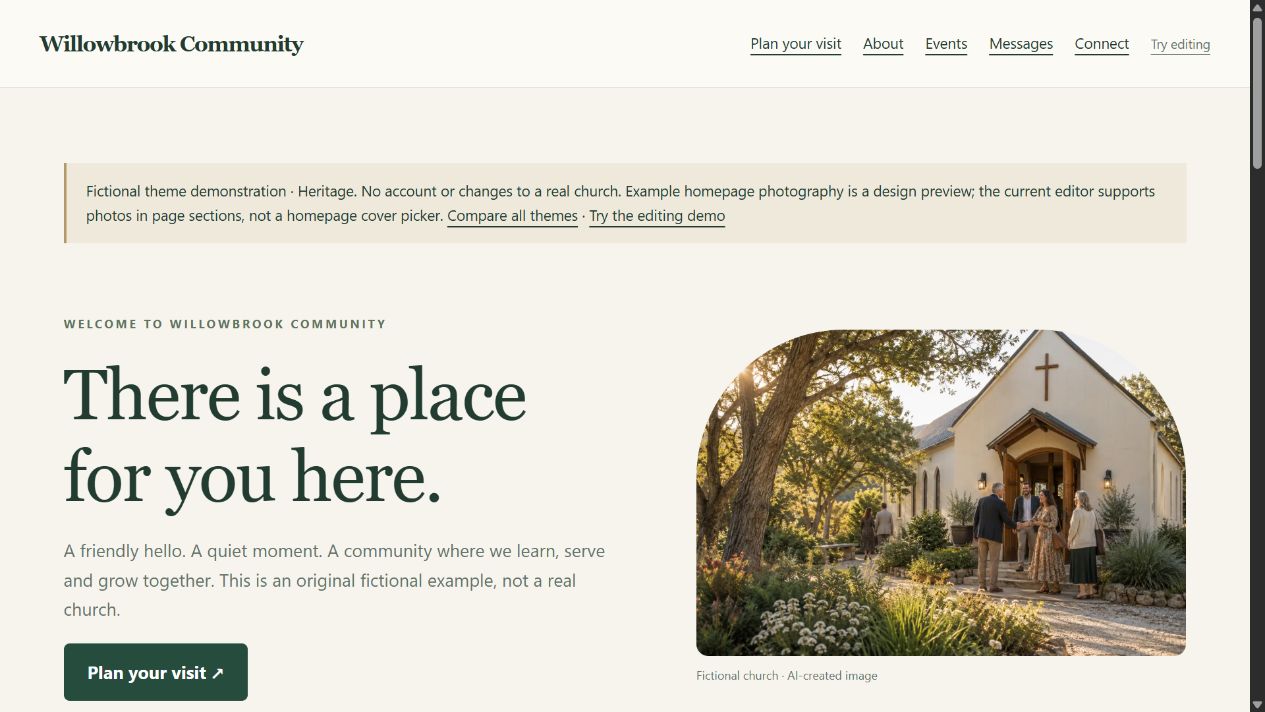
Heritage
Familiar serif headings, soft cards and an arched welcome illustration.
Compare the layout
Arched cover photo, traditional headings and softly framed content.
Same church content and editing tools. Open the preview to see the full layout.
Church website themes
Compare the same fictional Willowbrook Community website in three working themes. These previews use the real homepage and page-section layouts with fictional content and AI-created images. Owners choose a library cover photo in Your look, then save, preview and publish. Open them on your phone or resize your browser.
Familiar serif headings, soft cards and an arched welcome illustration.
Arched cover photo, traditional headings and softly framed content.
Same church content and editing tools. Open the preview to see the full layout.
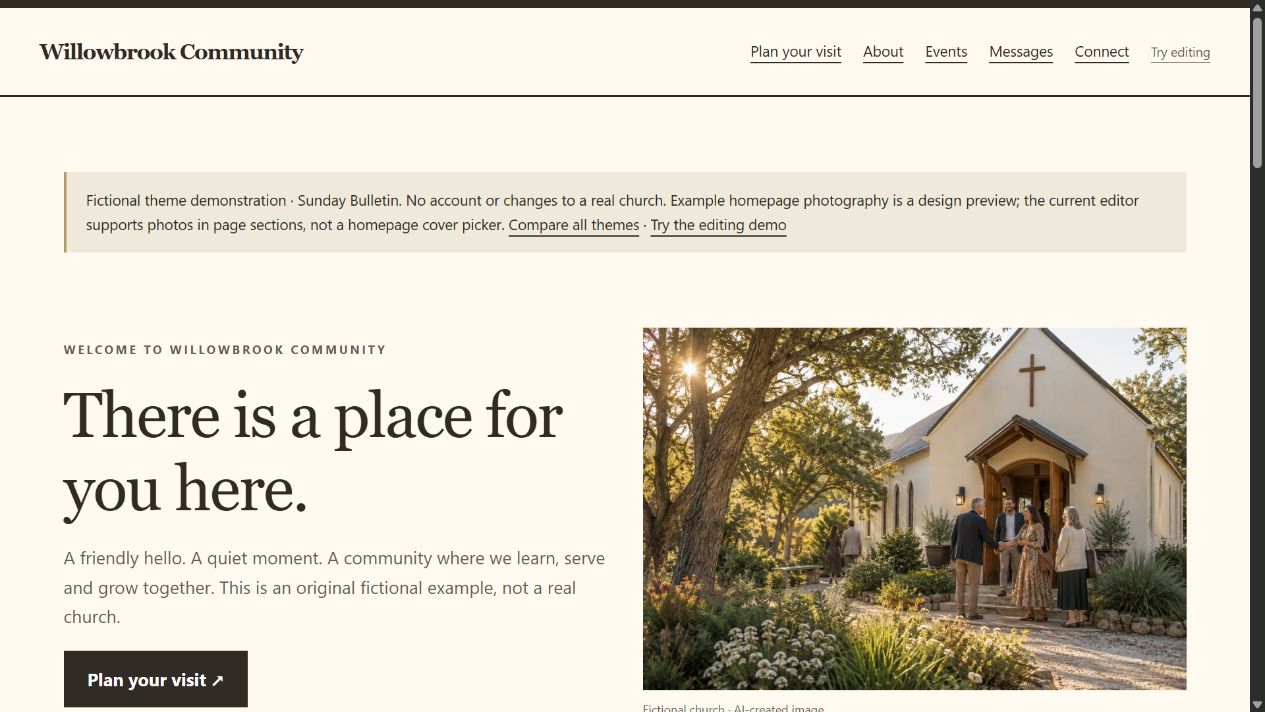
An editorial layout with bold rules, square panels and an open, text-first welcome.
Square photo framing, strong dividing lines and an editorial page layout.
Same church content and editing tools. Open the preview to see the full layout.
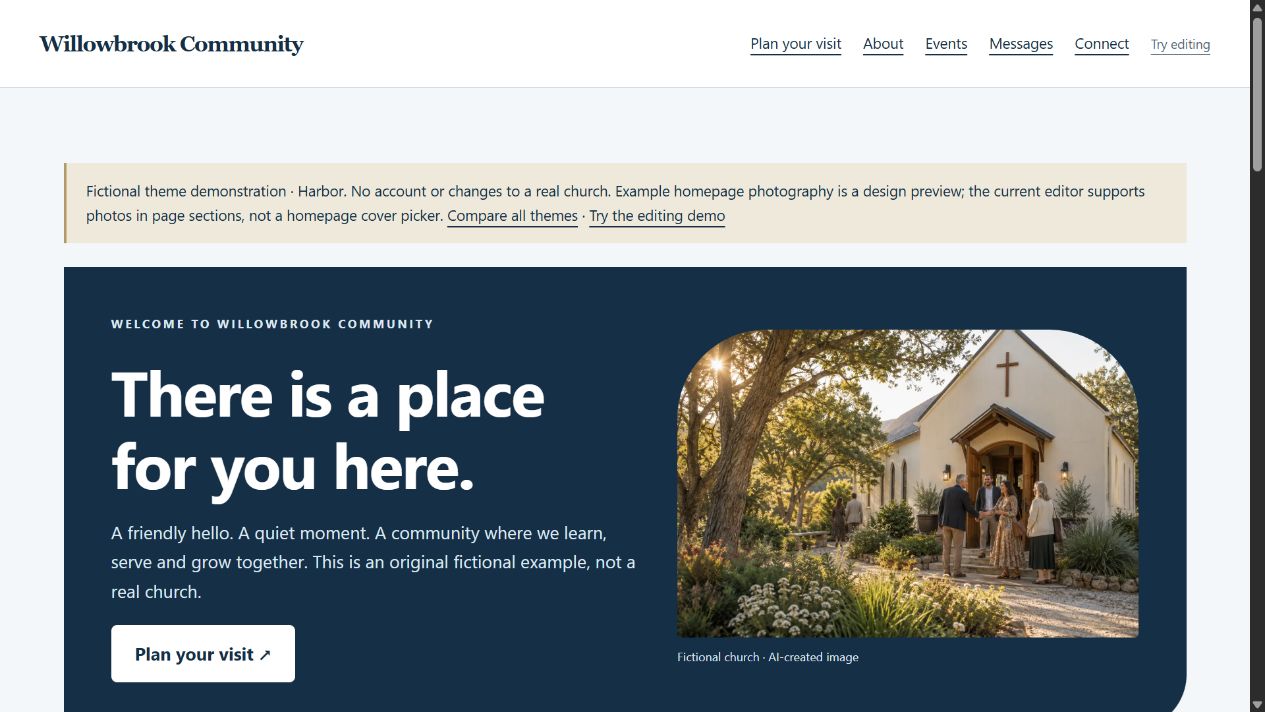
A deep-blue welcome panel, clean headings and a bright, spacious layout.
A navy welcome panel, generous photo framing and clean sans-serif headings.
Same church content and editing tools. Open the preview to see the full layout.
In the private pilot, owners preview themes with their saved church content, save a private draft and deliberately publish from Review. Events and message pages inherit the published theme. Theme choices travel with settings exports.
Previews here are fictional and read-only. They do not create accounts or change church settings. The theme previews do not accept uploads or custom code. Owners can upload photos in their church photo library.
How to change your theme · See everyday tasks · Compare costs